The Situation for Perpetual Licence Holders
Plenty of Archicad offices still run on perpetual licences: they bought a version outright and upgrade when it suits them, not every year. That's a sensible way to run a practice, but it now means missing out on Graphisoft's AI features.
Archicad's built-in AI Visualizer, and the AI credits that power it, come with the Studio, Collaborate, and Max subscription plans. The updated Visualizer with Nano Banana Pro also requires Archicad 30. If you're on a perpetual licence, or on a subscription but still finishing projects in an older version, it isn't available to you. (See Archicad 30 AI credits explained for how the subscription side works.)
Your Options
1. A native AI add-on that supports your version
Linespire Reflect installs directly into Archicad 23 to 30 on Windows and 26 to 30 on Mac, and it doesn't care what kind of licence you have. It captures your 3D view and renders it with Google's Nano Banana Pro, the same image model behind Archicad 30's updated Visualizer, so you get current AI quality without changing your Archicad setup. It also includes Animate for short video clips.
Pricing is separate from Archicad: a free trial with 5 credits, then monthly plans from $29 for 100 renders.

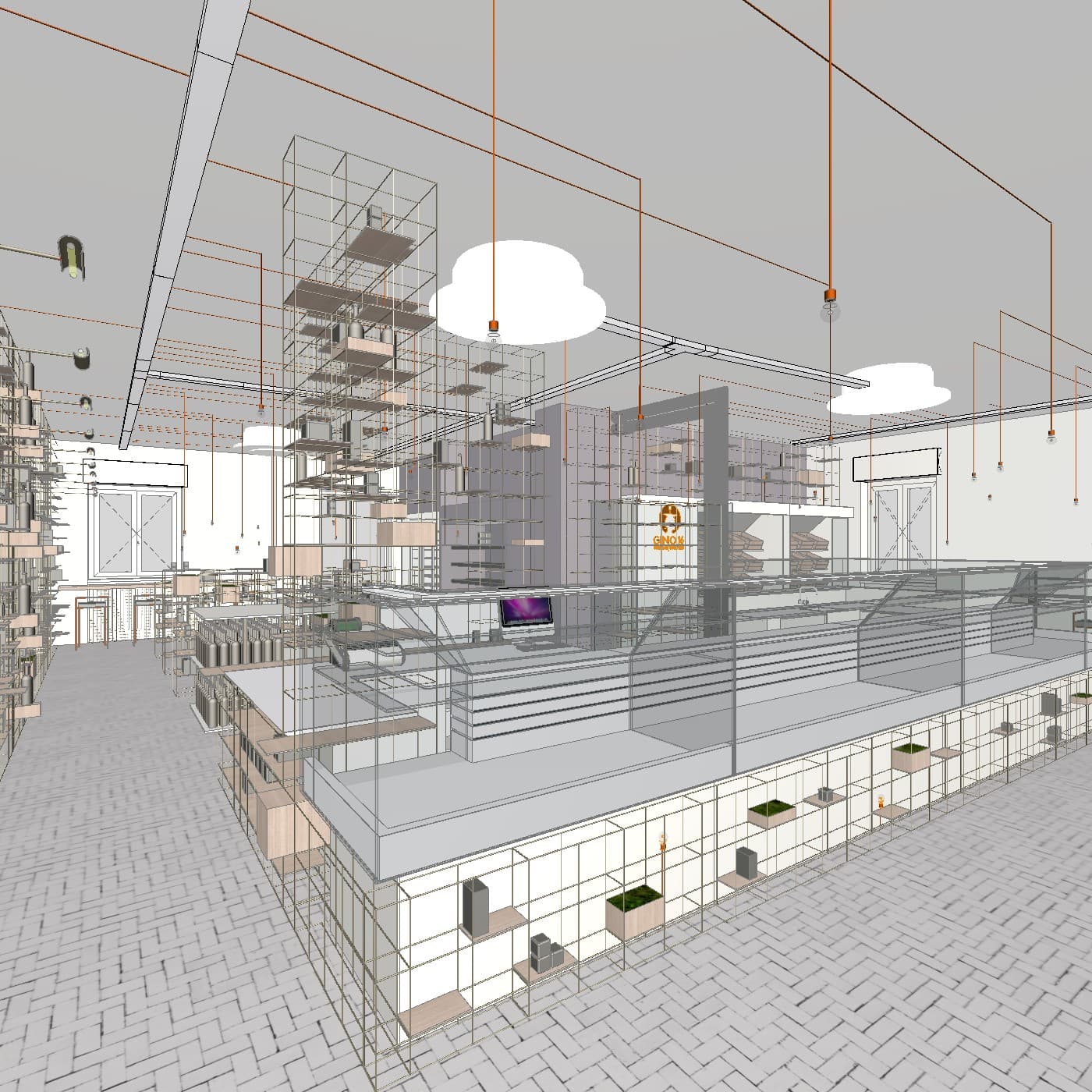
2. Veras, if you're on Archicad 28
Veras from Chaos is sold on its own as well as with Enscape. Its standalone Archicad plugin officially supports Archicad 28; for newer versions, Chaos recommends running it from inside Enscape, which adds an Enscape subscription.
3. A traditional renderer
Real-time renderers such as Twinmotion, Enscape, and Lumion are licensed separately from Archicad, so they work alongside a perpetual licence. They aren't AI tools and take more setup, but they give full control and longer walkthroughs.
4. Screenshot into a general AI image tool
You can export a view and upload it to a general-purpose AI image app. It works in a pinch, but it means leaving Archicad, re-uploading for every change, and using tools that aren't tuned for architecture, so geometry and materials drift more.
Should You Upgrade Instead?
If you were planning to move to a subscription anyway, Archicad 30's built-in AI Visualizer is a capable option for occasional images. But AI rendering alone isn't a reason to change how you license Archicad: an add-on gets you the same class of AI model in the version you already own.
Frequently Asked Questions
Can I use Archicad's AI Visualizer on a perpetual licence?
No. The AI Visualizer and Graphisoft's other AI features come with the Studio, Collaborate, and Max subscription plans, and the updated AI Visualizer requires Archicad 30.
Which AI rendering tool works on a perpetual Archicad licence?
Linespire Reflect installs directly into Archicad 23 to 30 on Windows and 26 to 30 on Mac, on perpetual or subscription licences. Traditional renderers such as Twinmotion, Enscape, and Lumion also work alongside a perpetual licence but are not AI tools.
Do I need to upgrade Archicad to use AI rendering?
Not with an add-on that supports your version. Linespire Reflect works in Archicad versions back to 23 on Windows and 26 on Mac.