
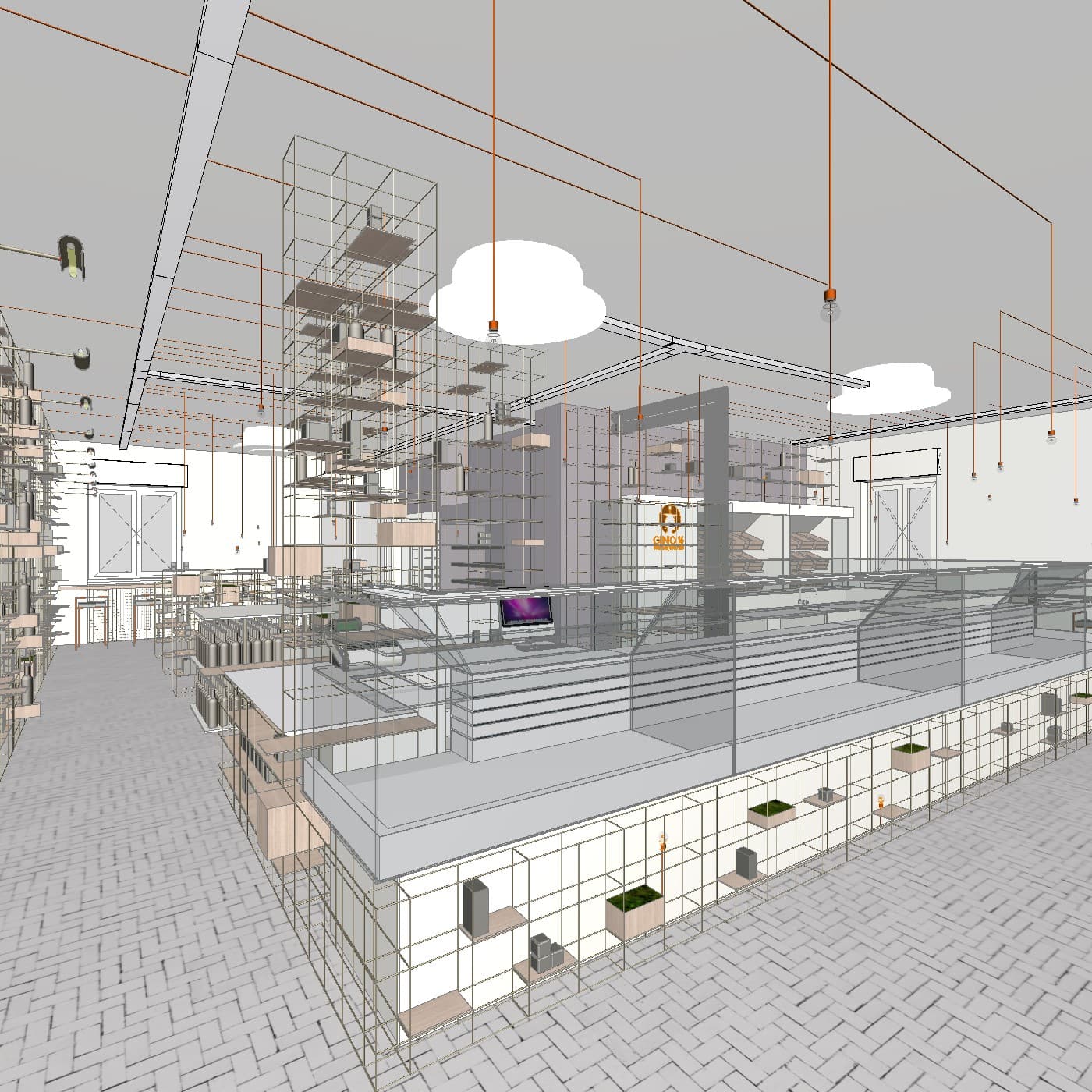
Why Archicad Users Look for Enscape Alternatives
Enscape is well-regarded for real-time rendering and BIM integration, and its Archicad plugin is capable. But several friction points consistently push users toward alternatives:
- Cost — Enscape is priced at approximately $575/year (billed annually), or higher as part of premium bundles. For smaller practices, this is a substantial ongoing expense.
- GPU requirements — Real-time rendering in Enscape depends on a capable dedicated GPU. Older machines or MacBooks with integrated graphics can struggle.
- Learning curve — Getting high-quality results from Enscape requires learning material settings, lighting rigs, and scene configuration. It is not instant.
- Speed for client-facing work — Real-time rendering is fast for walkthroughs, but producing polished, export-ready images still takes setup time.
For architects who primarily need quick, high-quality images for client presentations rather than interactive walkthroughs, there are faster and more affordable paths.
The Main Alternatives
1. Twinmotion
Twinmotion, developed by Epic Games, is a standalone real-time renderer with a LiveSync connection for Archicad. It produces high-quality, cinematic results and offers a free tier for qualifying users.
The workflow requires exporting files from Archicad and working in a separate application — which adds steps and friction compared to a native plugin. Twinmotion is strongest for polished final presentations and animations but is not AI-native, meaning render quality still depends on manual scene setup.
2. D5 Render
D5 Render is a GPU-accelerated renderer with a growing Archicad LiveSync connection. It offers a large asset library and some AI-assisted features, though the core engine is not AI-native. Like Twinmotion, it requires a file export step and runs as a separate application. Hardware requirements are meaningful — integrated GPUs are not supported.
3. Lumion
Lumion is a premium standalone renderer widely used in architecture. It produces polished results and supports Archicad via file export, but pricing ranges from approximately $790 to $1,575 per year depending on the plan. High-end hardware is required. Lumion is better suited to larger firms with established rendering workflows than to practices looking for a quick, lightweight alternative to Enscape.
4. Veras (by EvolveLAB)
Verasis an AI visualisation plugin that includes Archicad support, using a geometry slider approach to blend AI-generated imagery with the original model's form. It is powered by Stable Diffusion-based models and, as of 2026, Archicad support is limited to version 28. Veras is part of the Enscape Premium bundle, meaning it often comes as an add-on rather than a standalone purchase.
For firms already on Enscape Premium, Veras may already be available. For others, the version restriction and bundled pricing model limit its accessibility.
5. Linespire Reflect
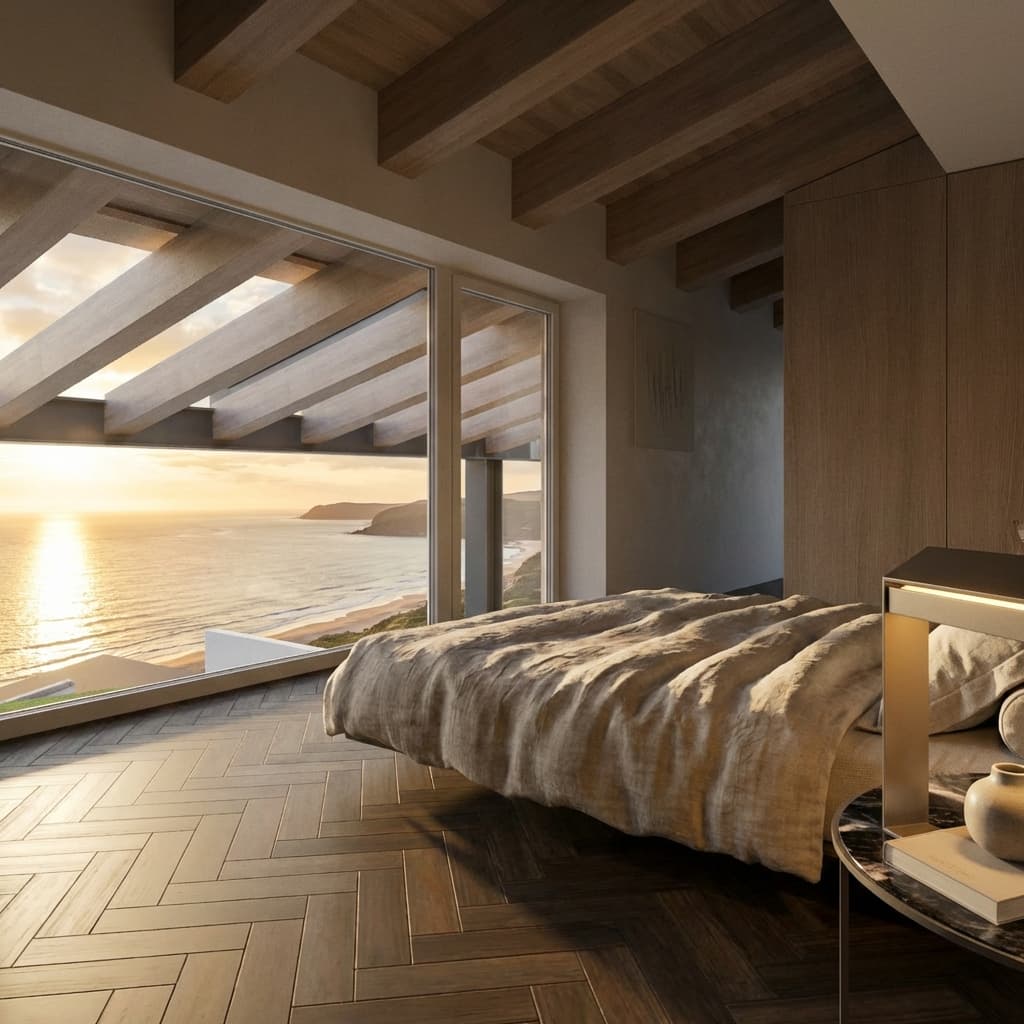
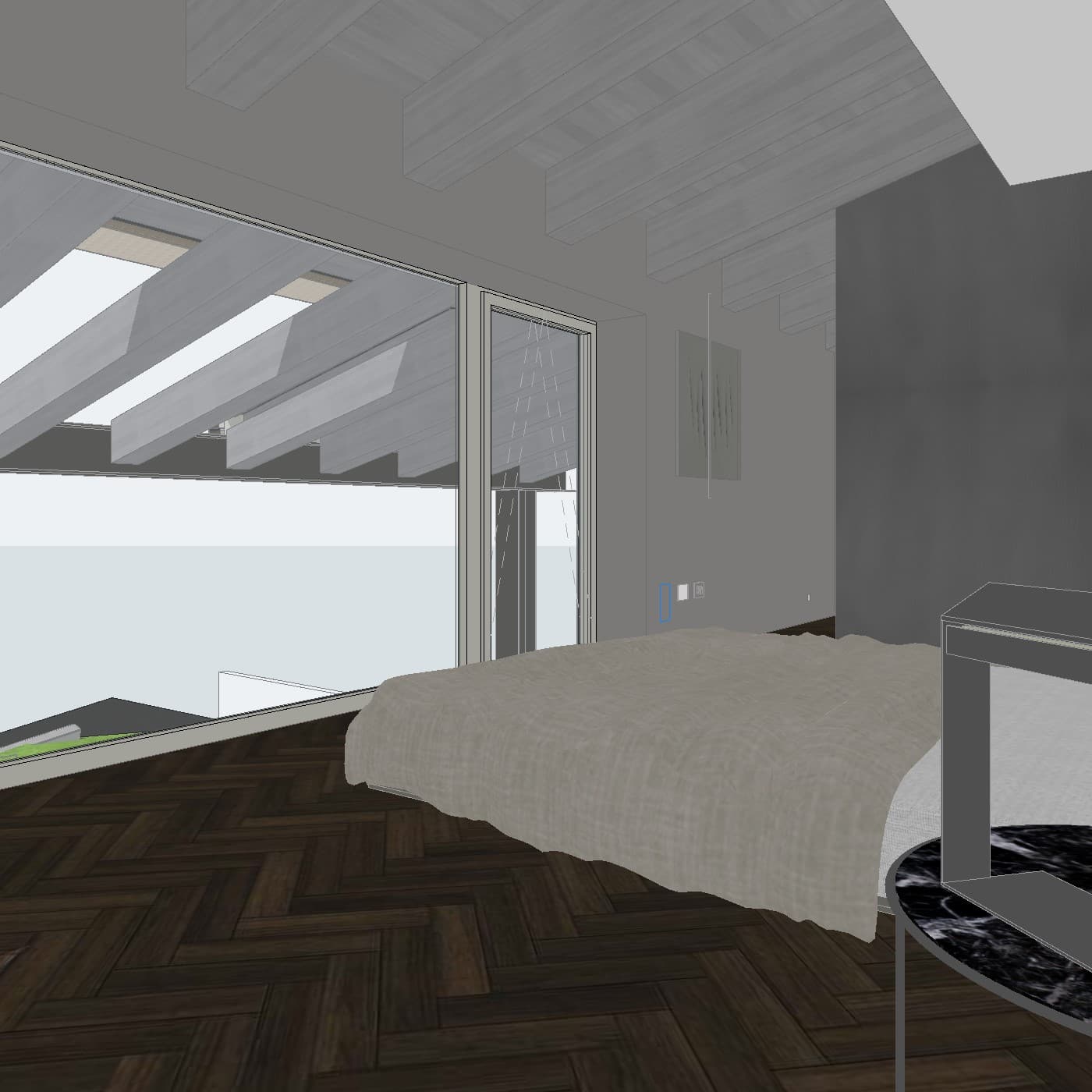
Linespire Reflect is a native Archicad addon — installed directly into Archicad, with no file export or external application required. It captures 3D views from within Archicad and sends them through a cloud AI pipeline powered by Google Gemini 3 Pro, returning photorealistic renders in seconds.
Unlike traditional renderers, no GPU is needed on the user's machine — all processing happens in the cloud. Unlike Veras, Archicad support spans all versions on Pro plan and above, and the underlying model is Google's image generation stack rather than Stable Diffusion.
The key trade-off is control: traditional renderers allow granular scene setup, material tweaking, and lighting configuration that Linespire Reflect does not replicate. What it offers instead is speed and simplicity — for architects who need a strong client-ready image quickly, rather than a fully controlled cinematic shot.
Comparison at a Glance
| Tool | Type | Archicad Integration | AI Model | Price/mo |
|---|---|---|---|---|
| Linespire Reflect | Native AI addon | All versions (Pro+) | Google Gemini 3 Pro | From $0 |
| Enscape | Real-time renderer | Plugin (Archicad 25+) | Not AI-native | ~$575/yr |
| Twinmotion | Standalone renderer | LiveSync (file export) | Not AI-native | Free / ~$45 |
| D5 Render | GPU renderer | LiveSync (file export) | Partial AI features | ~$40+ |
| Lumion | Standalone renderer | File export only | Not AI-native | $66–$131+ |
| Veras | AI plugin | Archicad 28 only | Stable Diffusion | Part of Enscape |
Which Option Fits Which Workflow?
For firms that need interactive walkthroughs or animations, Enscape or Twinmotion remains the strongest choice. The investment in setup time pays off when a project requires moving through a space in real time or producing video deliverables.
For practices that need polished, final-stage presentation images with full scene control, Lumion or D5 Render — for those with capable hardware — are established options.
For Archicad users who need quick, high-quality still renders for client presentations — without the cost or complexity of traditional renderers — Linespire Reflect is designed for exactly this use case. It removes the GPU requirement, the learning curve, and the file-export step, replacing them with a cloud AI pipeline that delivers results in seconds.
A Note on AI Rendering Consistency
One honest consideration with AI-native rendering tools: because the images are generated by a model rather than rendered deterministically from scene data, there is inherent variability between generations. Two renders of the same building from similar angles may look somewhat different.
Linespire Reflect addresses this through reference image support — users can upload an image to anchor the style, mood, and material direction across multiple generations. It is worth setting expectations accordingly: AI rendering is fast and impressive, but it works differently from traditional rendering pipelines.
Frequently Asked Questions
Does Enscape work with Archicad?
Yes. Enscape has a native Archicad plugin and supports real-time walkthrough rendering. However, it requires a dedicated GPU, carries a significant learning curve, and is priced at around $575/year (billed annually) — making it a heavier investment than AI-native alternatives.
Is there a free Enscape alternative for Archicad?
Yes. Linespire Reflect offers a free trial with 5 render credits and no credit card required. Twinmotion also has a free tier for qualifying users, though it requires a file export step and is not AI-native.
What is the best AI rendering tool for Archicad?
For Archicad users specifically, Linespire Reflect is the most tightly integrated option — it is a native addon powered by Google Gemini 3 Pro that produces photorealistic results in seconds without leaving Archicad. Veras is the other Archicad AI option, but it is limited to Archicad 28 and uses Stable Diffusion-based models.
Can I use Twinmotion with Archicad?
Yes. Graphisoft and Epic Games offer a LiveSync connection between Archicad and Twinmotion, but it requires a file export and separate application workflow. Twinmotion is strong for cinematic presentations but is not AI-native and requires more time to set up than plugin-based alternatives.
Do I need a powerful GPU for these tools?
Traditional renderers like Enscape, Twinmotion, D5 Render, and Lumion all have meaningful GPU requirements. Linespire Reflect offloads all processing to the cloud — no GPU needed on the user's machine.